
Get started
Set up a site
Add the website you want to measure and choose its privacy-first setup.
What it is
A site is the website Premely measures. Setup creates its workspace context, records the public domain and gives you the connection options that apply to that site.
Why use it
Start here when you want a clean place to measure one website without mixing its data with another property.
Before you start
- Use the public domain visitors actually see. Do not include a path, page or query string.
- Make sure you can edit the website or ask the person who can to help with installation.
How to use it
- 1
Open your sites
Open Sites in the intended workspace and choose Add website.
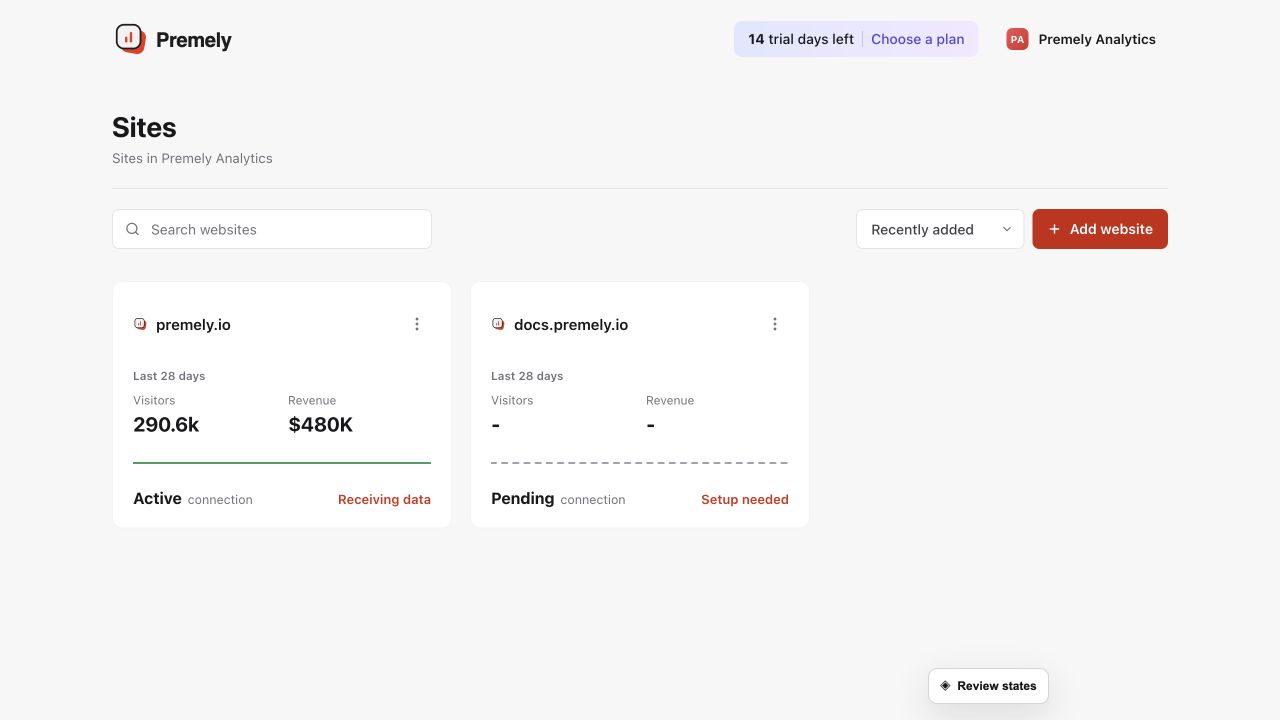
Select the exact site and confirm its connection status before changing site-specific settings. Shown in Premely with disposable demo data; your values will differ.
- 2
Choose the privacy mode
Enter the public domain without a page path, choose Cookie-free measurement and continue.
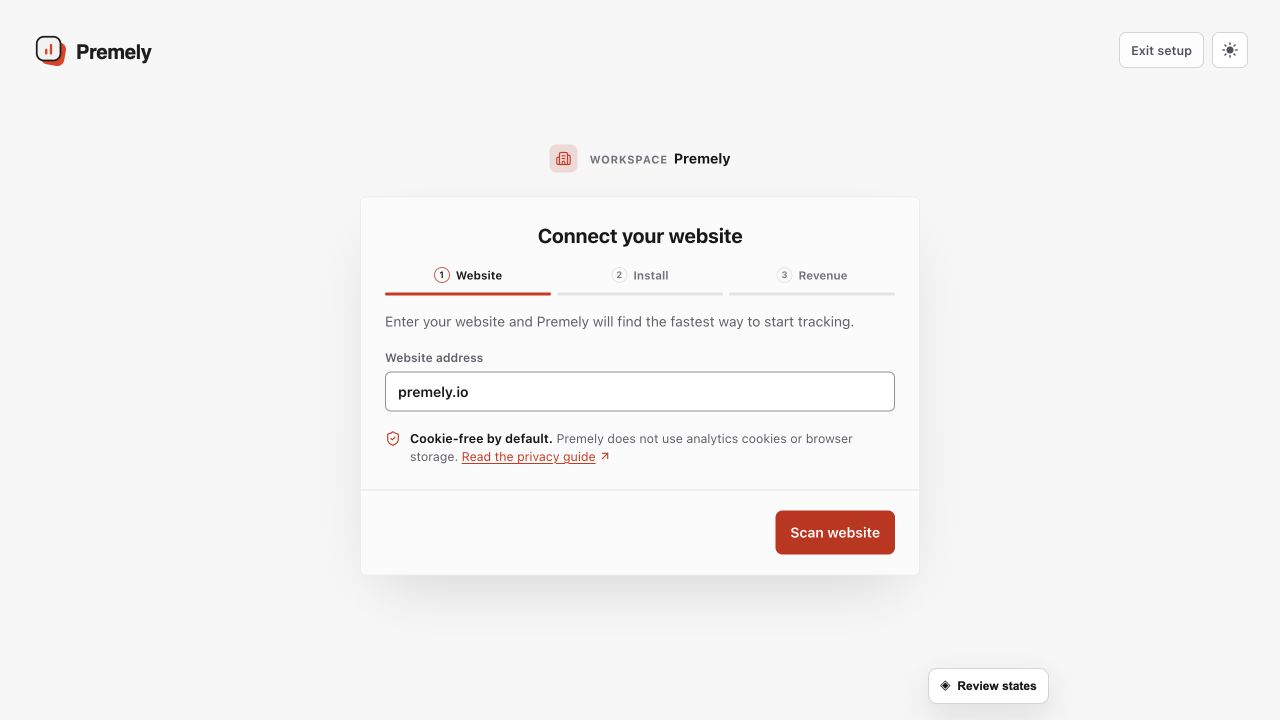
Enter the public domain, choose the appropriate privacy mode, then continue. Shown in Premely with disposable demo data; your values will differ.
- 3
Choose the installation path
Review any platform detected by Premely, then choose the matching installer or the
scriptpath. Follow that installer's guide to publish the change and verify a visit. Add revenue and search connections after tracking is working.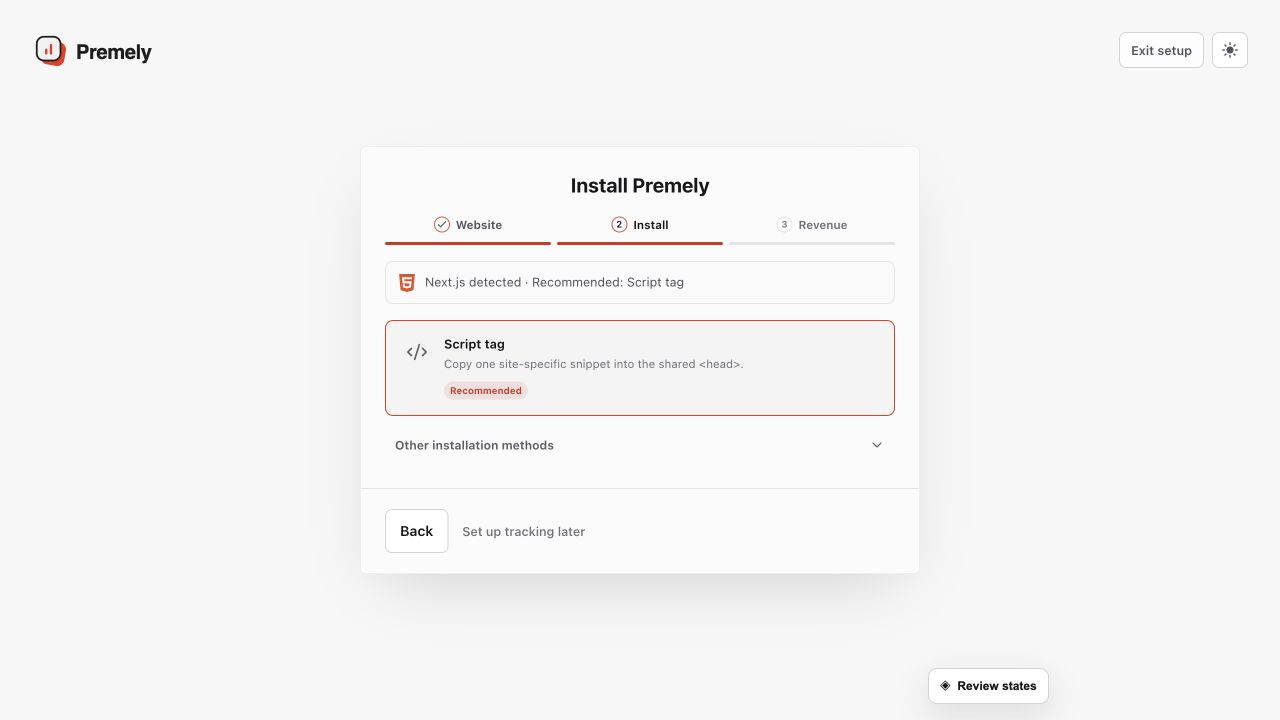
Choose one installation path for the site and avoid leaving a second Premely installation active. Shown in Premely with disposable demo data; your values will differ.
What to expect
The domain stays fixed
The public domain is read-only after the site is created. Use the display name when you need a clearer internal label.
Connection options can differ
Native site-builder and revenue connections are available from their matching setup and connection areas.
Useful ways to apply this
A new marketing site
Create one site for the production domain before you add the tracking code.
Several websites
Add each domain separately so reports and access stay clearly separated.